Mailchimp - integration
Last updated: August 31, 2026
Summary
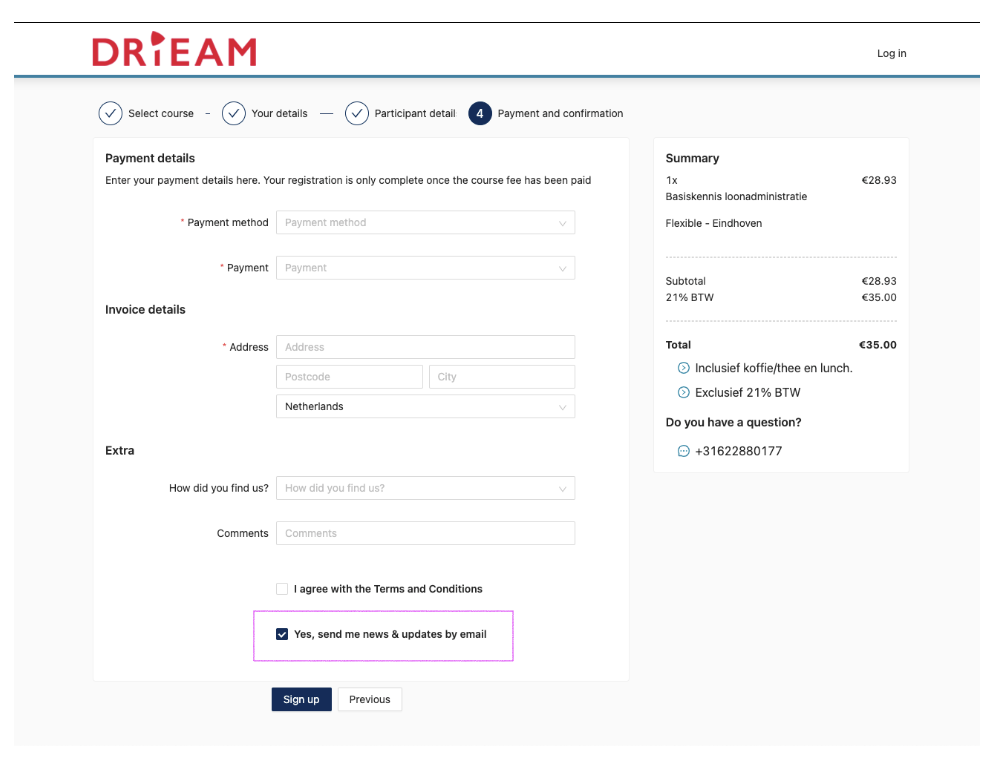
It is possible to link Eduframe to Mailchimp using the Eduframe Mailchimp plugin. The contacts from Eduframe are then automatically synced to Mailchimp, which includes the name, email address and 'Newsletter' checkbox.
What does the Mailchimp plugin do?
The plugin automatically sync contacts to a mailing list in Mailchimp. This mailing list is automatically created by the plugin. Make sure your Mailchimp account supports the creation of another mailinglist. You can use this mailinglist to automate email campaigns.
When a contact unsubscribes via Mailchimp, this information is synced back to Eduframe and the 'Newsletter' checkbox is unchecked.
Notes:
The Mailchimp free account only supports one mailing list.
The 'Newsletter' property is the only property that syncs back (two-way sync) to Eduframe. Updates on the name and email of the contact are not synced back.
How do I connect Mailchimp to Eduframe?
You can install the plugin on the plugins page ( Settings > Plugins ). After pressing the green Click to install button, the plugin can be linked to your Mailchimp account under the Settings tab. After giving the plugin access to your Mailchimp account, using the API code, the contacts are synced.