Product Settings
Last updated: July 30, 2026
Summary
The Products Settings section in Eduframe consists of three parts: Template Description Sections, Edition Description Sections, and Course Variants. In this article, all three will be explained in more detail.
Template description sections (Course tabs)
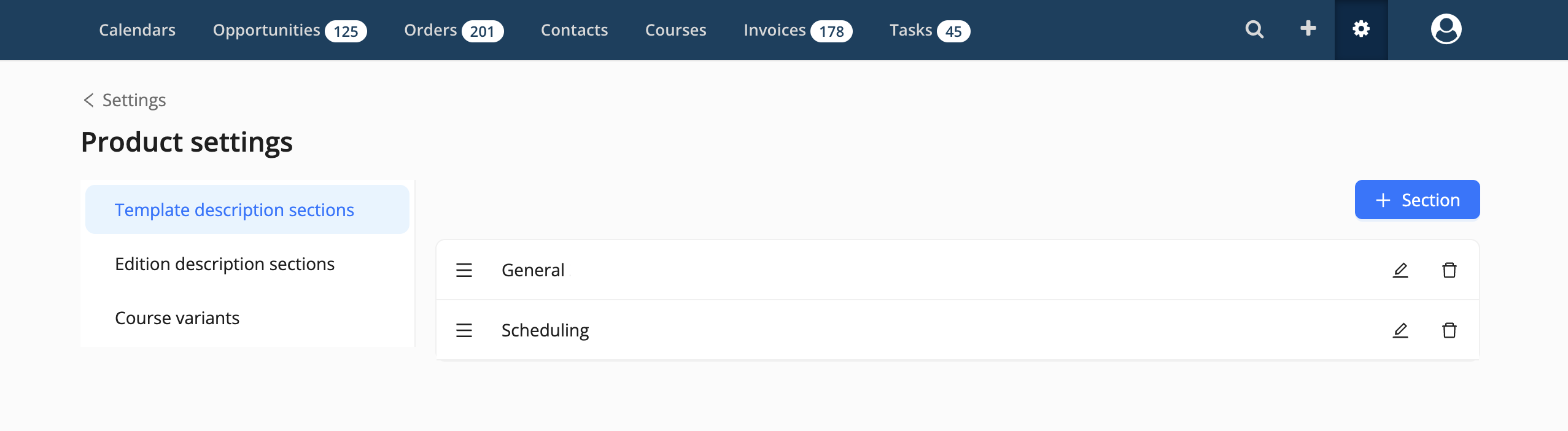
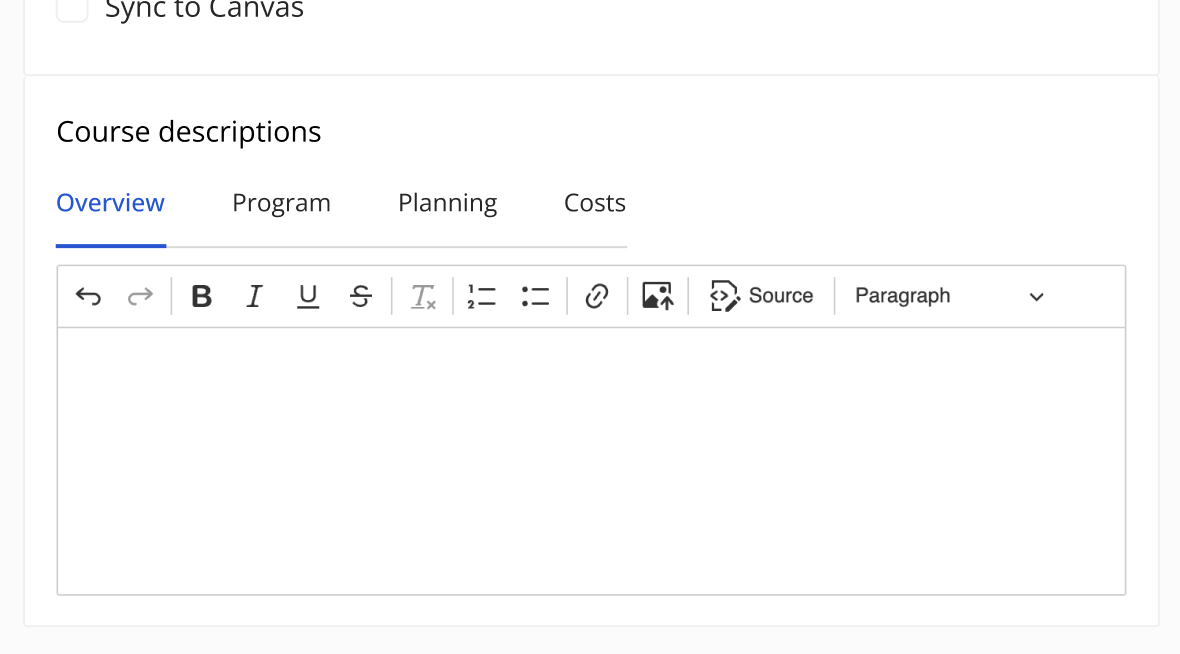
Template description sections configured here are visible on the Course and Program templates. These tabs can be used to store formatted product template information. Each tab can contain text or images to present product details on your website (except when the tab is empty). In 'Product Settings', you can add, rename, or remove the sections. Filling the different tabs with product details can be done in the product templates themselves.
Note: At least one template description section must be configured for the integrations 📄 Cursussen publiceren met EDU-DEX and 'Wordpress Plugin' to function properly.
Edition description sections
Edition description sections are displayed on Course and Program editions. Each tab can contain formatted content, such as text or images, that is used for integrations — for example, to display information on your website.
In Product Settings, you can add, rename, or remove these sections. Filling the different sections with product details can be done in the product edition form. If no Edition Sections tabs configured, the section will not be shown on the Product Edition Form.
Course Variants
Variants can be used to capture the kind of course.
Some examples how to divide your courses in variants are:
Way of learning: Online, Blended
Language: English, Dutch, French
Part of the day a course takes place: Morning, Afternoon, Evening
Note: If you use Eduframe with Canvas, used variants are part of the course name in Canvas.