Product Settings
Last updated: November 17, 2026
Summary
The Product Settings section in Eduframe consists of three parts: Template Description Sections, Edition Description Sections, and Course Variants. Together they determine which product information you can store on Templates and Editions, and how courses are distinguished from each other.
Template Description Sections (Course tabs)
Template Description Sections configured here are visible on Course and Program Templates. These tabs can be used to store formatted Product Template information. Each tab can contain text or images to present product details on your website (except when the tab is empty). In Product Settings, you can add, rename, or remove the sections. Filling the different tabs with product details can be done in the Product Templates themselves.
Note: At least one Template Description Section must be configured for the 📄 Cursussen publiceren met EDU-DEX and WordPress Plugin integrations to function properly.
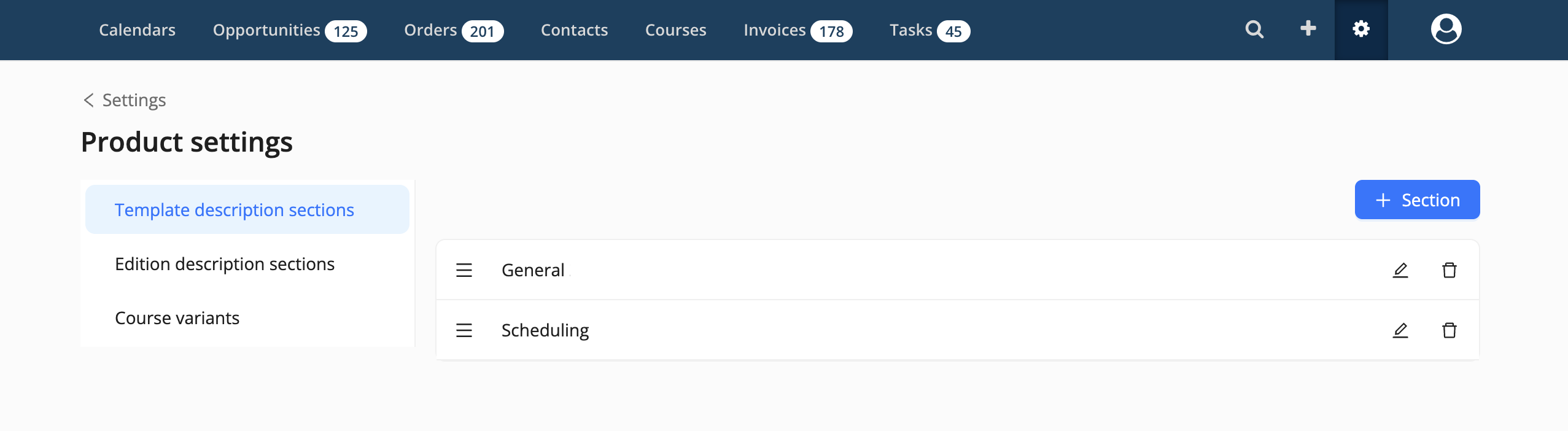
Edition Description Sections
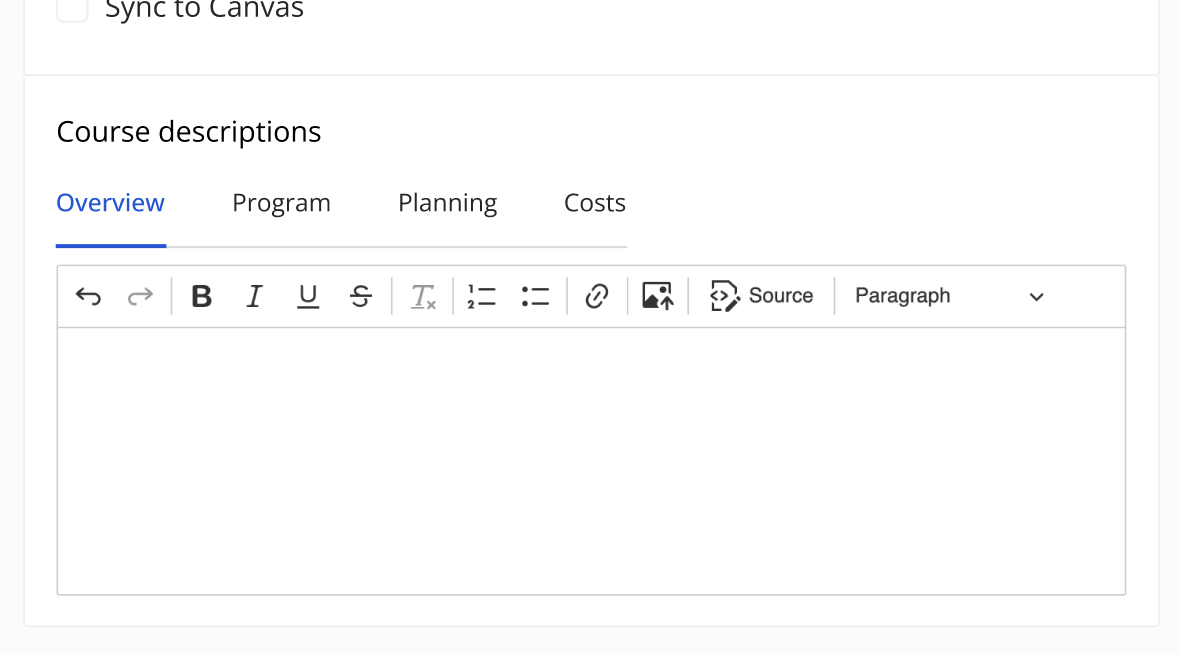
Edition Description Sections are displayed on Course and Program Editions. Each tab can contain formatted content, such as text or images, that is used for integrations, for example to display information on your website.
In Product Settings, you can add, rename, or remove these sections. Filling the different sections with product details can be done in the Product Edition form. If no Edition Description Sections are configured, the section will not be shown on the Product Edition form.
Course Variants
Variants can be used to capture the kind of course.
Some examples of how to divide your courses into Variants:
Way of learning: Online, Blended.
Language: English, Dutch, French.
Part of the day a course takes place: Morning, Afternoon, Evening.
Note: If you use Eduframe with Canvas, the Variants used are part of the course name in Canvas.