Company Information
Last updated: November 18, 2026
Summary
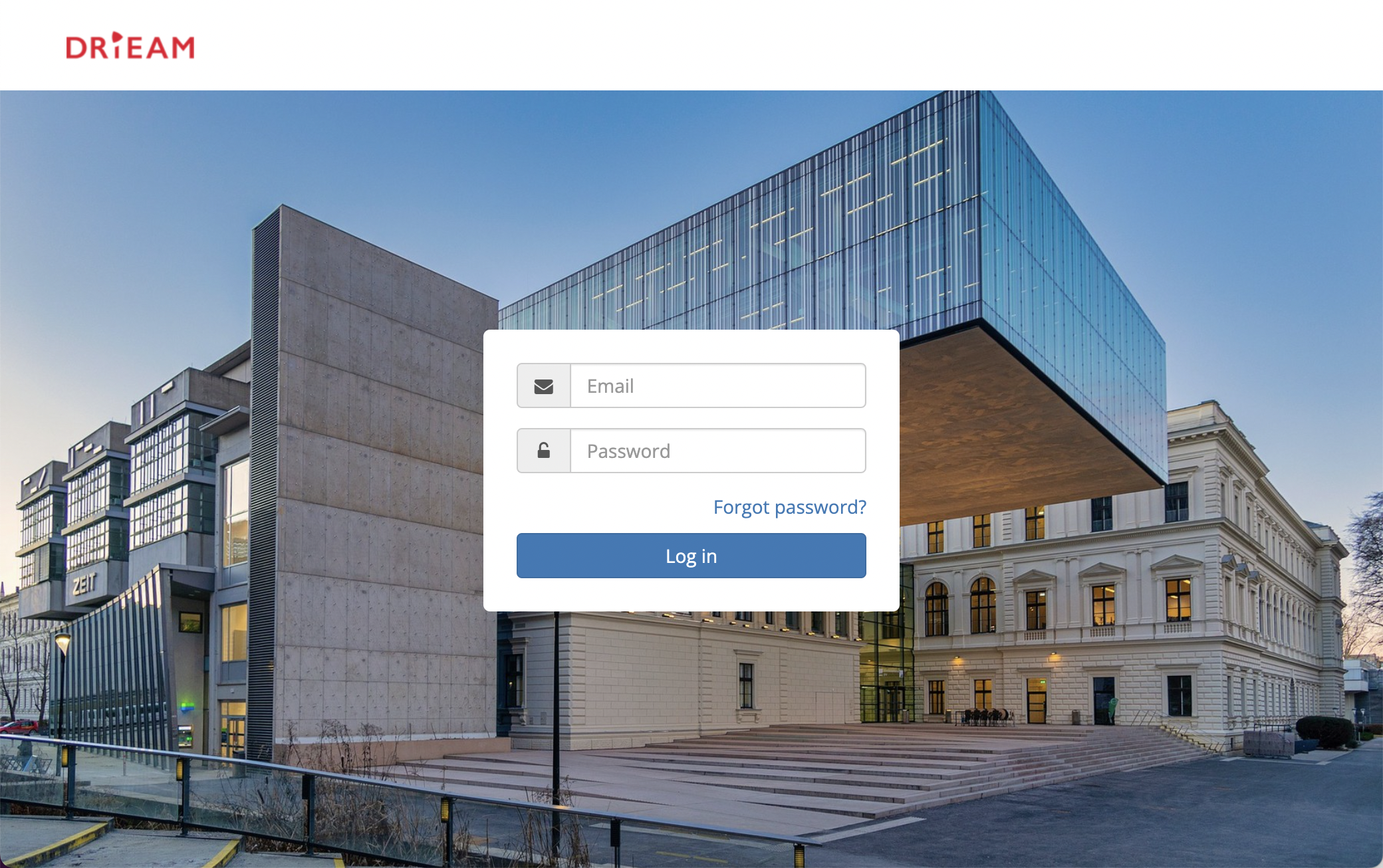
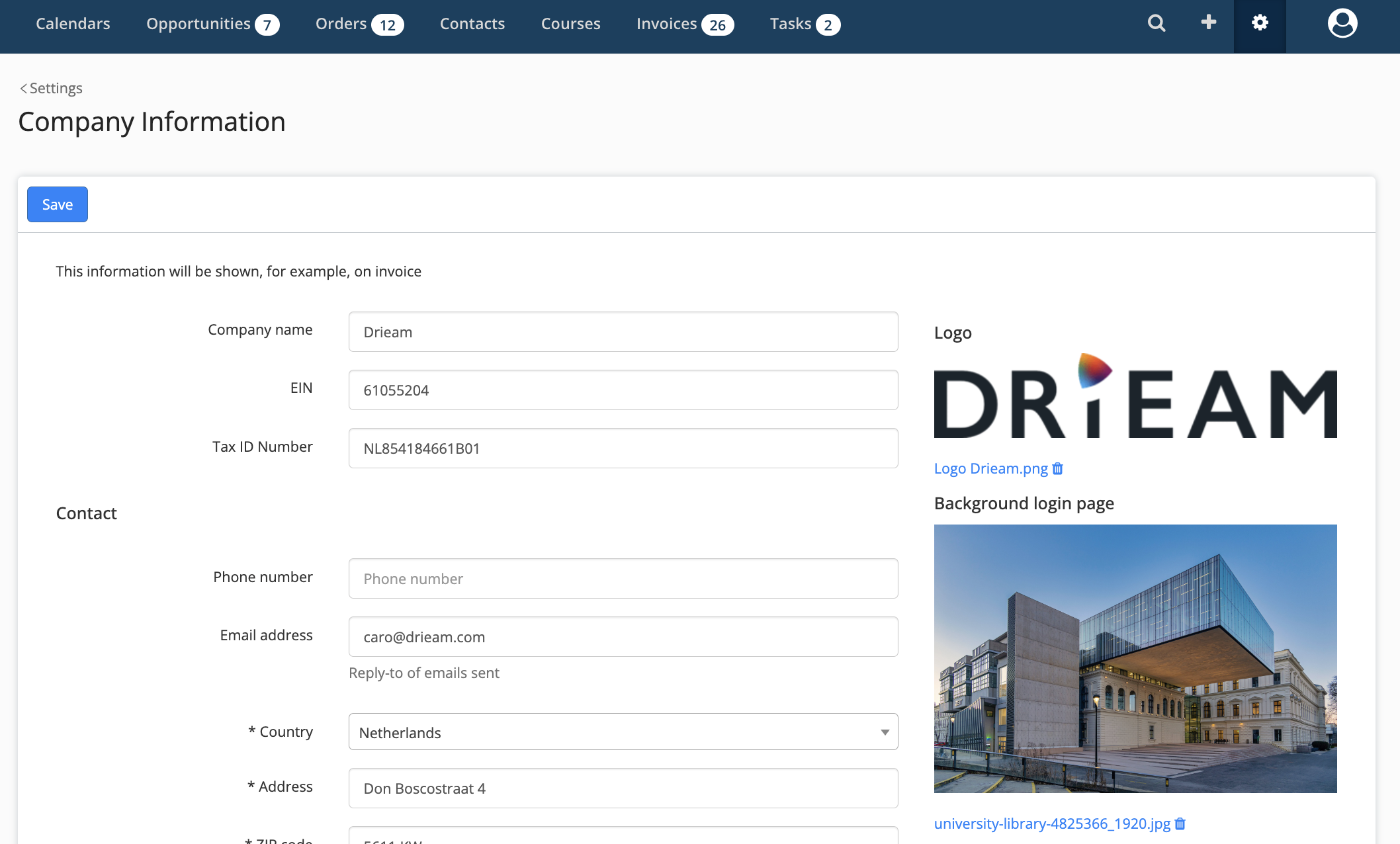
In the Company Information settings in Eduframe, you add general information about your company or organization, such as invoicing, contact and bank details. You can also upload your logo and a background image for the Eduframe login page.
How do I configure Company Information?
As an Admin, go to Settings > Company Information. Here you can enter general information related to:
Invoicing.
Contact details.
Bank information.
This information automatically appears on all your outgoing Invoices. You can also upload your Company logo here, and a background image that is shown on the Eduframe login page.
Tip: If you add a logo, we advise uploading it as a .png file with a transparent background.
Replies to Eduframe emails are sent to the Email address you add on the Company Information page.
More information about branding your Eduframe environment can be found in 📄 How to Set Up your Brand Identity in Eduframe?.
What does the login background look like?